AI voice conversations
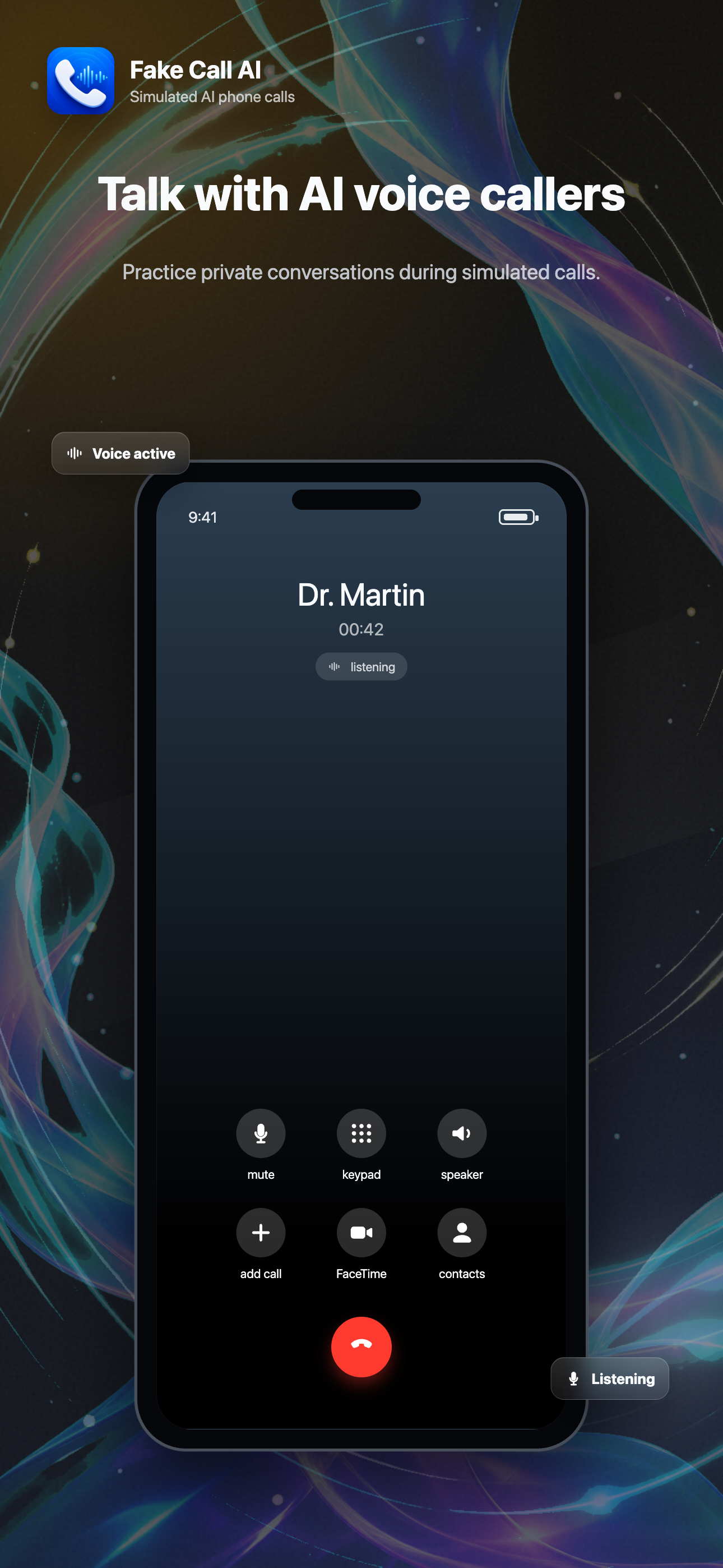
Talk with an AI caller during a simulated call. The app uses voice AI to create natural practice calls and scenario-based conversations.
Fake Call AI lets you create a believable incoming call, talk with an AI caller, customize the caller ID, and schedule discreet exit cues in seconds. It is a simulator for personal safety, conversation practice, and social convenience. It does not place real phone calls.
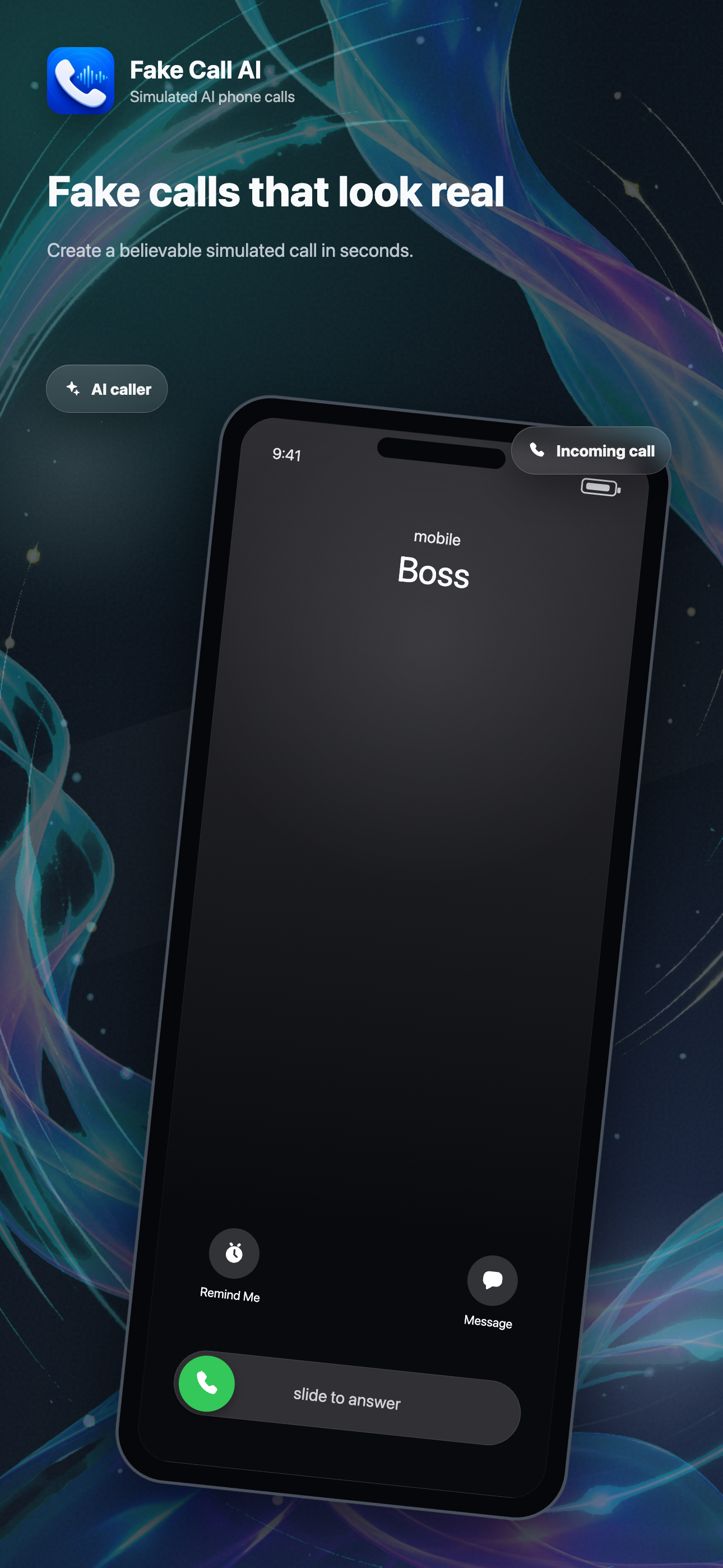
Use Fake Call AI to create a realistic interruption, practice a difficult conversation, or set up a private exit cue without placing an actual phone call.
Talk with an AI caller during a simulated call. The app uses voice AI to create natural practice calls and scenario-based conversations.
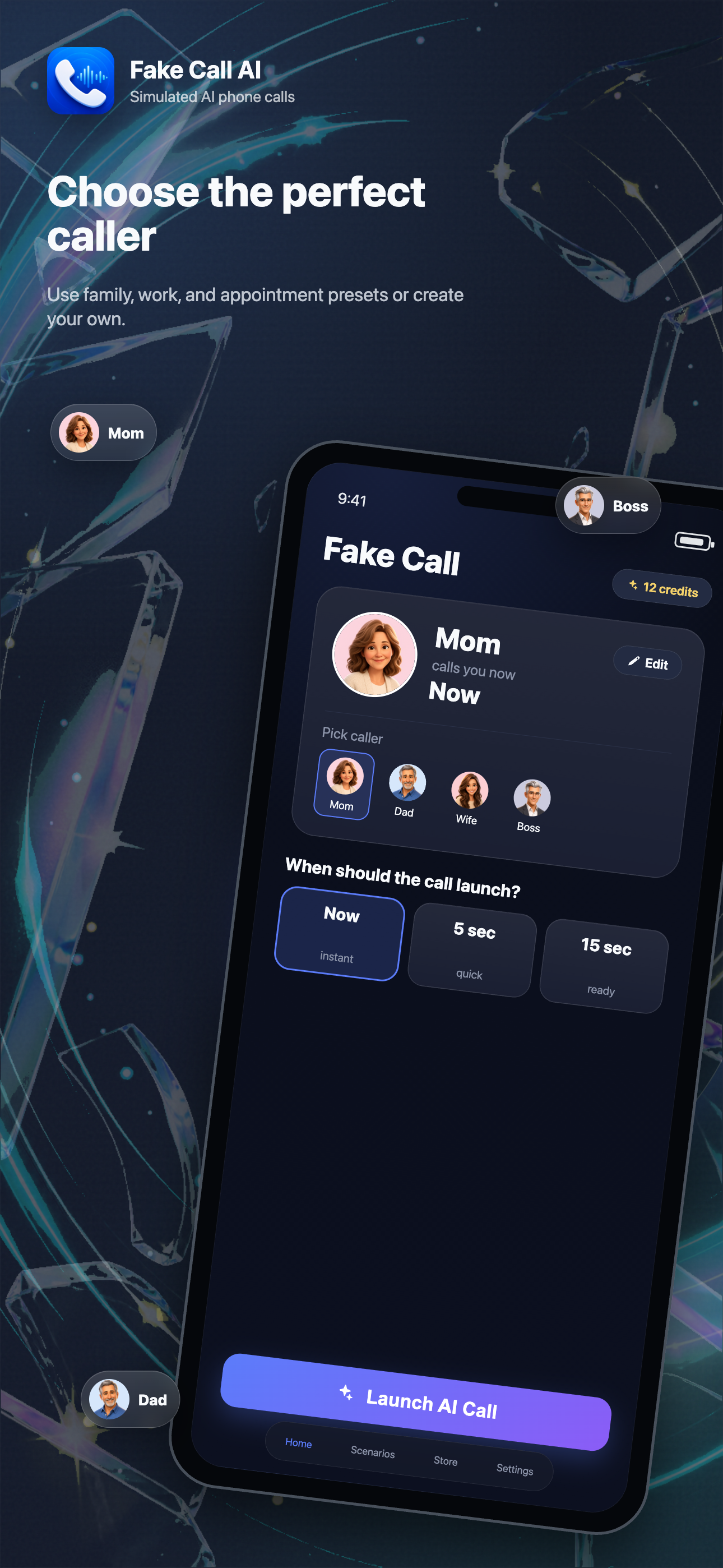
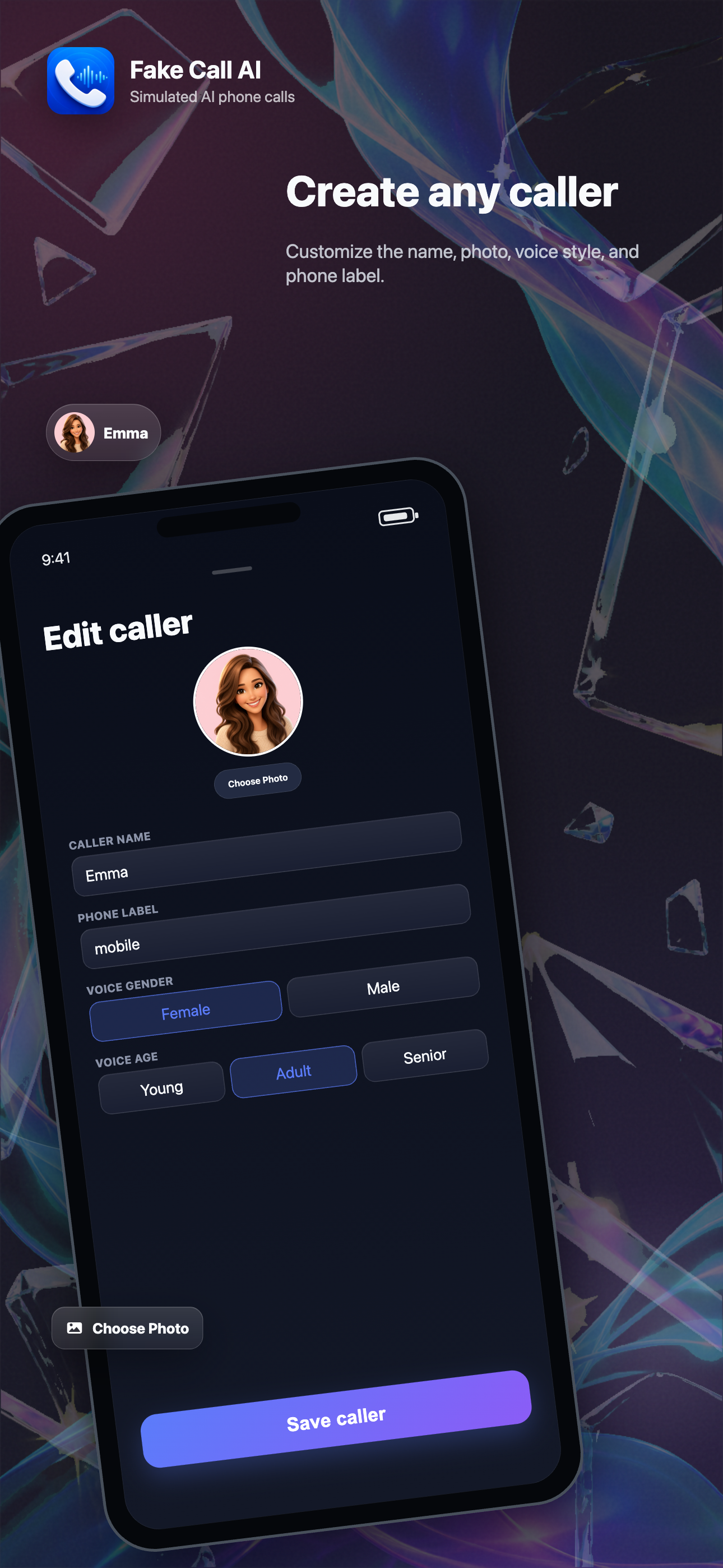
Choose the caller name, avatar, relationship, and voice style so the call screen matches the situation you want to simulate.
Launch immediately or schedule the incoming call after a short delay for meetings, social plans, appointments, and everyday interruptions.
Use ready-made scenarios for work, family, students, appointments, safety check-ins, and conversation practice.
The app is for simulated calls. It does not dial another person, does not send SMS, and does not access your contacts.
Advanced AI calls, custom callers, and scenario packs are managed through Apple in-app purchases and StoreKit.
Fake Call AI asks only for permissions needed to provide the simulated call experience. You can deny optional permissions or manage them later in iOS Settings.
Set a caller, choose a delay, and start a simulated AI phone call when the moment calls for it.